Category

Car Wash Membership Cancellation Guides

Find verified step-by-step cancellation guides for major car wash memberships. Compare cancellation methods, notice periods, refund policies, and jump to detailed instructions.
30+ Guides
Verified Information
Official Sources
Category Reviewed: November 2026

Canceling a car wash membership should take minutes — but confusing member portals, unclear notice periods, and an extra monthly charge when a request arrives too late make it harder than it should be.

We break down the exact steps to cancel major subscriptions like Mister Car Wash, Quick Quack, Club Car Wash, Zips, Take 5, Tommy's Express, Tsunami Express, Crew Carwash, and more. Each guide outlines the accepted cancellation methods (portal, app, phone, or in-person), the notice periods to avoid extra charges, and what each chain says about cancellation fees and refunds.

All guides are sourced from official cancellation policies and cross-checked against real experiences — so you get accurate, working steps, not guesswork.

Latest Car Wash Guides

Select your car wash below to view full, detailed steps.

visual guide to canceling Tsunami Express car wash membership, App and Online Form options and the 7-day business notice requirement.

How to Cancel Tsunami Express Car Wash Membership

Cancel Tsunami Express at least seven business days before your renewal date, either in the mobile app, where the change goes through the same day, or with the Membership cancellation form on the Tsunami Express Help page. Keep your cancellation confirmation; you’re responsible for having it.

Published
An infographic featured image for how to cancel Mr Wash membership, presenting online, email, and in-person cancellation channels and reminding of the 7-day renewal policy.

How to Cancel Mr Wash Membership

Mr Wash, the express car wash with 11 locations in Virginia, Maryland and Delaware, isn’t Mister Car Wash, and the two cancel differently. Cancel a Mr Wash Unlimited plan with the Cancel Plan button in the Mr Wash Customer Portal, by emailing customerservice@mrwash.com, or at a Mr Wash location. Get your request in at least 7 days before the plan renews, and keep a screenshot or the email reply.

Published
Infographic showing how to cancel Golden Nozzle Car Wash online, by phone, or in person before your renewal anniversary.

How to Cancel Golden Nozzle Car Wash Membership

Golden Nozzle lets you cancel an Unlimited Wash Pass online, by phone at (413) 642-9137 or at any of its car washes, and the pass keeps working until your next monthly sign-up anniversary. Have the 11-digit pass number from your windshield sticker ready, and keep any confirmation email you receive.

Published
Infographic outlining Mr. Magic Car Wash cancellation options via email or phone 5 days prior to billing.

How to Cancel Mr. Magic Car Wash Membership

Cancel a Mr. Magic Car Wash membership at least 5 days before your monthly charge date by emailing members@mrmagiccarwash.com or calling (412) 343-3555; a later request means you pay for the next month. Email is the better choice, because the sent message is your proof.

Published
How to Cancel Hoffman Car Wash Membership

How to Cancel Hoffman Car Wash Membership

Hoffman Car Wash cancels Unlimited plans online through Manage My Plan, through Customer Care at (877) 446-3362, or by a letter to its Albany office. Do it at least 5 business days before your billing date, and keep the email Hoffman sends, because the cancellation is complete only once you’ve received it.

Published
How to Cancel El Car Wash Membership

How to Cancel El Car Wash Membership

Cancel El Car Wash at least two days before your next billing date, or the next month is charged. The main routes are the Member Login portal or member support at (866) 305-4329, and you can also email or ask at a location. Keep a screenshot or written confirmation of the cancellation.

Last updated
car getting washed using sprayed water at cvar wash through a

How to Cancel Crew Carwash Unlimited Club Membership

To cancel a Crew Carwash Unlimited Club membership, submit the request online in the Customer Portal at crewcarwash.com/manage at least 24 hours before your monthly billing date. The charge can process a day early, so cancel at least two days ahead.

Last updated
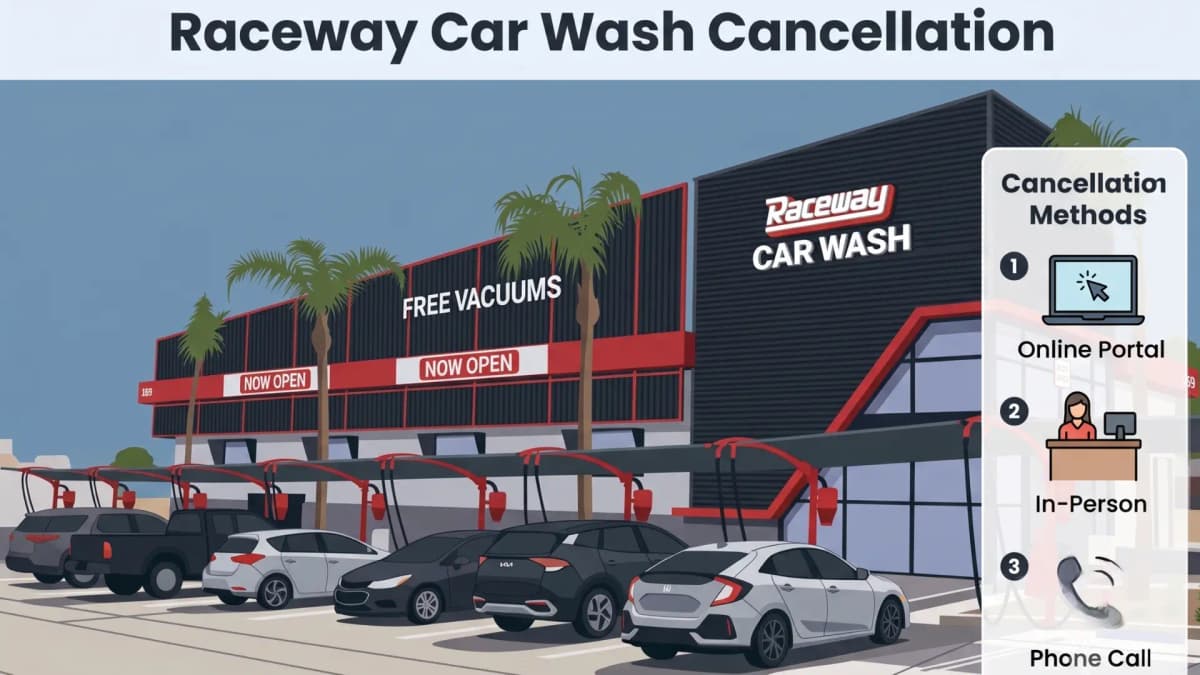
Raceway Car Wash membership cancellation overview screen

How to Cancel Raceway Car Wash Membership

Raceway Car Wash cancels memberships online through the Rinsed member portal, in person at any of its 47 locations, or by phone through Guest Services. Submit your request at least 7 days before your billing date — Raceway charges the next full month if you miss this window with no refund issued. Before You Cancel: […]

Last updated
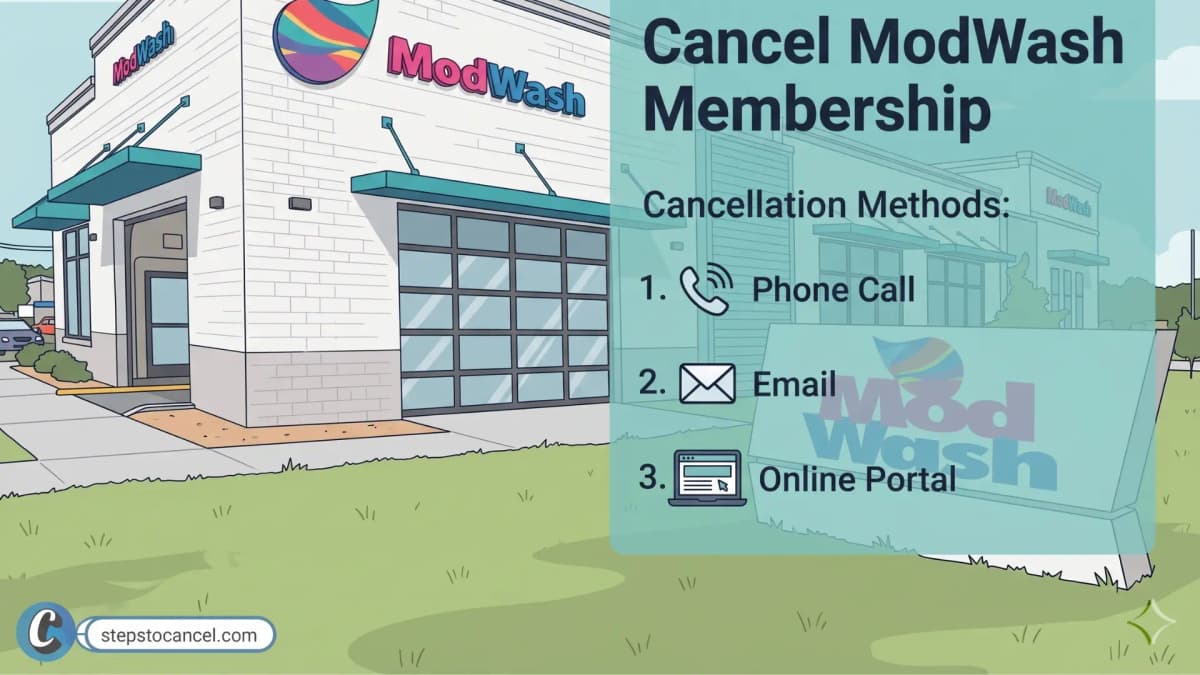
Modwash Car Wash location with cancellation methods - phone call, email and online portal

How to Cancel Your ModWash Membership (Email or Phone)

To cancel a ModWash membership, email the Guest Care team or call (423) 485-0005 at least 5 business days before your next billing date. ModWash bills each month on the anniversary of your sign-up date, and its terms say all sales are final, so a request that comes in later than that is usually charged […]

Last updated

Compare Car Wash Membership Cancellation Policy

Clean FreakView Guide
Cancel Methods
PortalIn Person
Notice
7d
Refund
No
Fee
None
Mister Car WashView Guide
Cancel Methods
PortalIn PersonEmailPhone
Notice
7d
Refund
No
Fee
None
Quick QuackView Guide
Cancel Methods
AppPortalEmailPhoneIn Person
Notice
10d
Refund
No
Fee
$5 (if <45 days)
Clean MachineView Guide
Cancel Methods
Email
Notice
10d
Refund
No
Fee
None
PrestigeView Guide
Cancel Methods
PortalEmail
Notice
None listed
Refund
No
Fee
None

What You'll Need to Cancel

Gather these details before submitting your cancellation request.

Account Details

  • Account Holder Name
  • Email Address
  • Phone Number

Vehicle Details

  • RFID Tag Number / Membership Tag Number
  • Vehicle License Plate Number
  • Vehicle Make & Model
  • Registered Vehicle Information

Billing & Location

  • Car Wash Location
  • State / Region
  • ZIP / Postal Code
  • Payment Method (last 4 digits)

Requirements vary by provider and cancellation method. Check the individual guide for exact requirements.

4 Things to Check Before Canceling

Review these four parameters to avoid billing surprises.

1

Billing Date

Your billing date is the exact day the car wash charges your card each month. Check this date so you can time your cancellation before the next charge.

2

Refund Rules

Refund rules explain if the company returns your money for unused membership days. Check these policies because most car washes refuse refunds once they charge your account.

3

Notice Period

The notice period is the required number of days you must cancel before your billing date. Check this deadline so you do not accidentally pay for an extra month.

4

Cancellation Fee

A cancellation fee is an extra charge you pay just to close your account. Check whether the chain lists one before you cancel.

When should you Cancel?

Most car washes do not charge cancellation fees, but you must cancel before your next billing date. Customers often miss this deadline and pay for an extra month. When this happens, people mistakenly think the company charged them after they canceled.

To avoid extra charges, you must submit your cancellation request before this notice window begins, not just on your exact billing date.

Common Cancellation Methods

Car wash chains accept varying methods to close accounts.

Website Portal (Self-Service)

The most common method. Users log in to a specific "Manage Membership" page on the car wash’s official website using their license plate, RFID tag number, or account email.

In-Person

Visiting the physical location and speaking to an attendant. This is often the "fallback" method if online systems are difficult to use.

Phone Call

Calling a corporate or customer service line to request cancellation. This frequently involves longer wait times or being transferred to a billing department.

Support/Contact Form

Submitting a request through an online ticket system or contact form on the company's "Contact Us" or "Help" page.

Mail

A rare but still existing method for some chains (Super Star, for example), usually requiring a written letter sent to their corporate headquarters.

Mobile App

Many modern chains (like Quick Quack, Whistle Express, and Club Car Wash) require users to download their branded app to manage or terminate subscriptions.

Live Chat

Using a chat widget on the website to talk to a representative in real-time.

Email

Sending a formal request to a specific customer support email address. Note: This is often slower than portals and requires keeping a digital paper trail.

Windshield Tag

FastPass RFID

Windshield Sticker

*RFID-928374*

Windshield RFID Membership Tag

What It Is

An RFID (Radio Frequency Identification) tag is a small, wireless sticker placed on your windshield. It acts as a digital pass for your car wash membership, automatically triggering the gate to open when you drive up to the lane.

Where to Find It

It is typically stuck on the upper left-hand corner of your front windshield (driver's side) or hidden behind your rearview mirror. Look for a small barcode or transparent sticker with a printed serial number.

Why It Is Needed

Most car wash chains require this specific RFID tag or "FastPass" number to process a cancellation online. Because many memberships are tied to the vehicle's tag rather than a standard username or password, you cannot cancel from your couch without copying down this code first. Taking a quick photo of the sticker before you start the cancellation process prevents getting stuck at the checkout portal.

Trust & Sources

Every guide on Steps to Cancel is researched and verified according to our editorial policy and strict verification process. We query official sources directly and cross-check steps against real experiences to ensure accuracy. If you notice an error or policy change, check our corrections policy and let us know for immediate updates.